
Week 4: Introduction to 12 Principles: Animating a Bouncing Ball & a Jumping Cube
- Matteo De Costanzo
- 11 dic 2020
- Tempo di lettura: 2 min

Aggiornamento: 15 apr 2021
Hello there, As progressing through the week we've been introduced to the first softweres to work on, during this week the teachers showed us how to install and using the splashtop platform to get access to the university's computer (COVID-19) and be productive. In this case they introduced us Cinema4D and Maya to get a grasp of the 12 Animation's principles and we had to produce and show that we understoon how they work. We've been assigned to do a short animation to show a bouncing ball/cube and show: timing, grasp of the softwere's basics like navigation and so on, squash and stretch.

This is a image reference of the bouncing ball principles, thanks to that reference translating that on the softwere is not that hard because thanks of the power of Maya you can easly set up the movement and then work on the graph editor to make it more realistic.
(image below) This is my first experiment on Cinema 4D following a small tutorial on YouTube to understand how Cinema 4D works and how to demostrate the bouncing ball principles.
I thought that this was enough to demonstrate that, but after recived the feedback on that I had to demonstrate step by step how it works so I decided to do another bouncing ball but this time I will us Maya.

2.0 update bouncing ball task
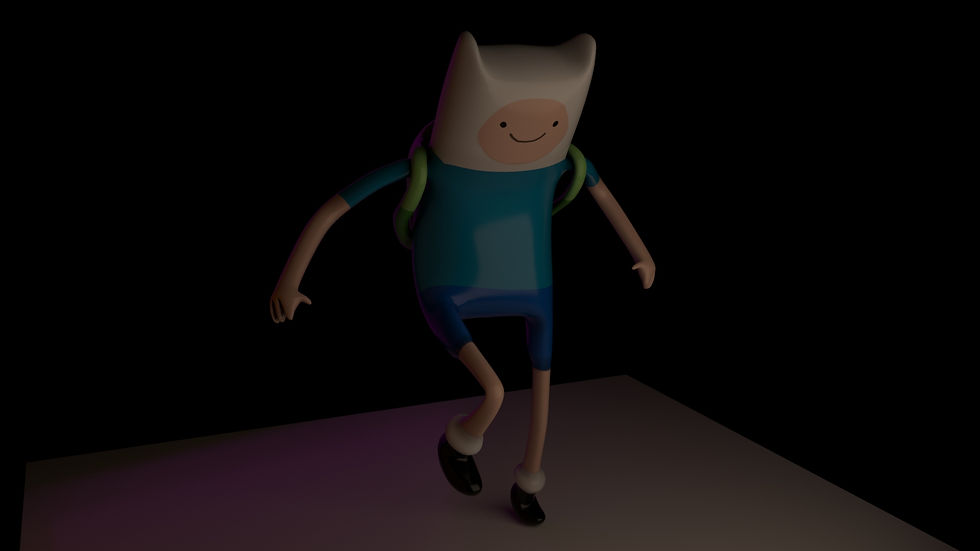
This is the end result of the bouncing ball principles, I will not gonna lie on this short animation because after I followed the basic concept I decided to take a gamble and to add a little back story behind, I thought that I wasn't happy enough with the result so I add some lightning to create a little atmosphere and that reminded me a classic scene of when I was little, I tried to follow that memory and I modified the ball's texture a bit to give it a similar aesthetics and then I took the gamble to add the background music to give it the last touch, I didn't followed any reference because that memory was so strong to not look at it and then I rendered the final scene and I came up with this little funny animation. I'm sorry if I didn't took any screenshot during the process because I was esperimenting and testing stuff that everytime I was progressing through the end result I forgot to show what I did, I apologise for that. I also know that it isn't polished enough but I will defenitly give it another go when I will learn a little more about it, meanwhile I hope you will enjoy the result.
This is a GIF frame by frame



Commenti